- Portfolio ▼
- | Blog
- | Affiliate discounts
- | Guestbook
- | Info
- | Contact
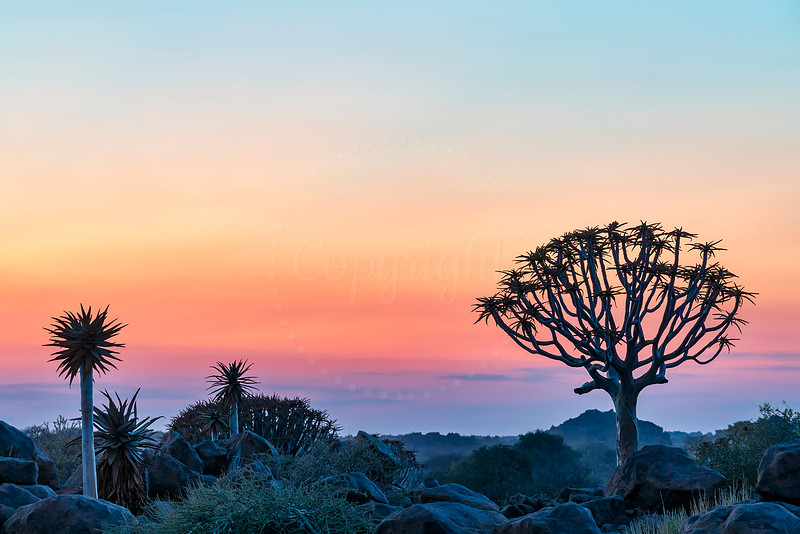
Color gradationSmooth color gradation is one of the most tricky tasks for your camera's sensor. This is one area that can be used to determine the quality of your camera's sensor. Check out the technical specifications of your sensor. The higher the bit rate the better for color gradations. The number of possible color combinations impact color gradation. The higher the possible color combinations the better. How can we maximize the smoothness of color gradations? How does image editing affect the quality of color gradation?
Here are some tips to help you to get the most out of your color gradations:
Feature color gradations as such images are often very pleasing and calm. Include a large portion of the sky. Make sure there are lots of color. Boost the vibrance of the image a bit to enhance the color. Comments
No comments posted.
Loading...
|
Subscribe
RSS
Archive
January
February
March
April
May
June
July
August
September
October
November
December
|